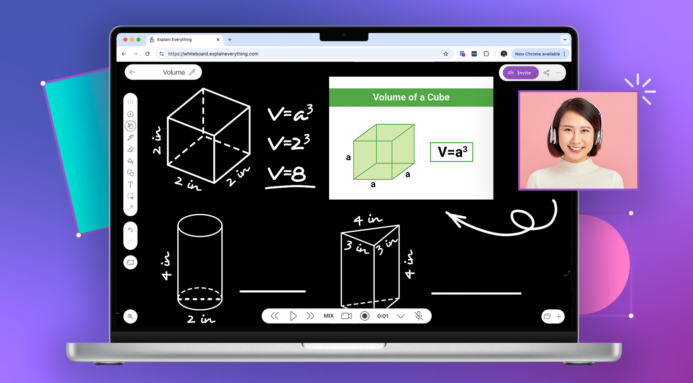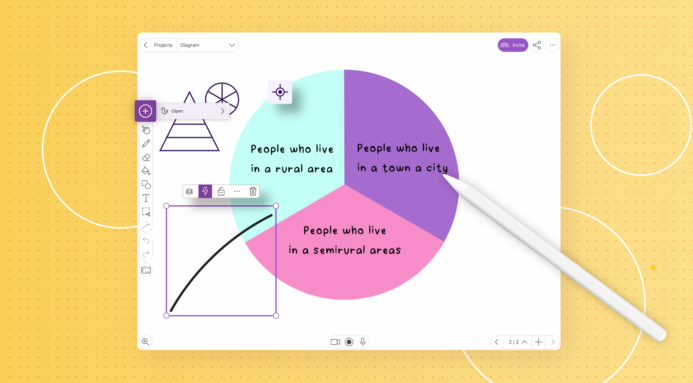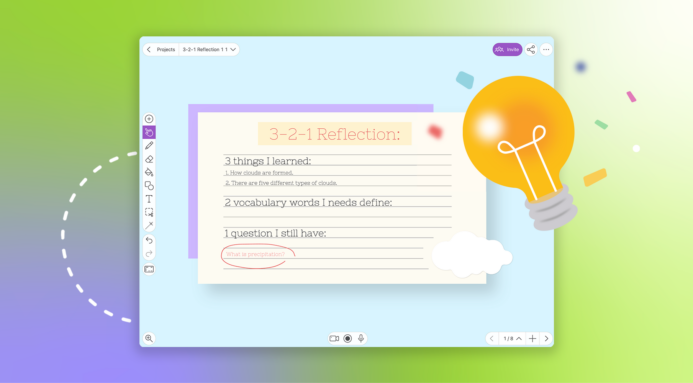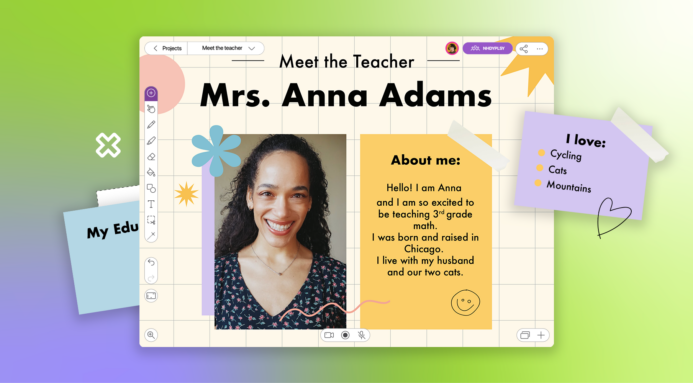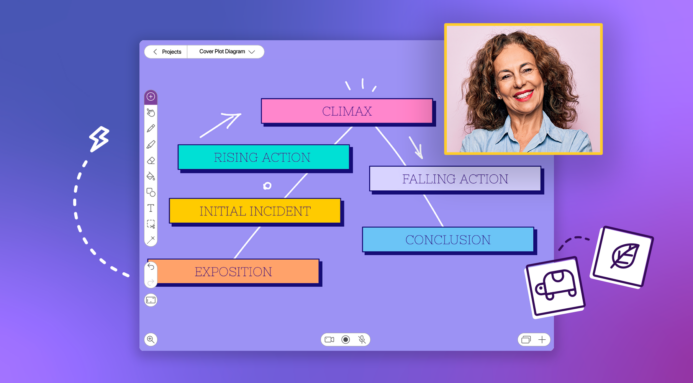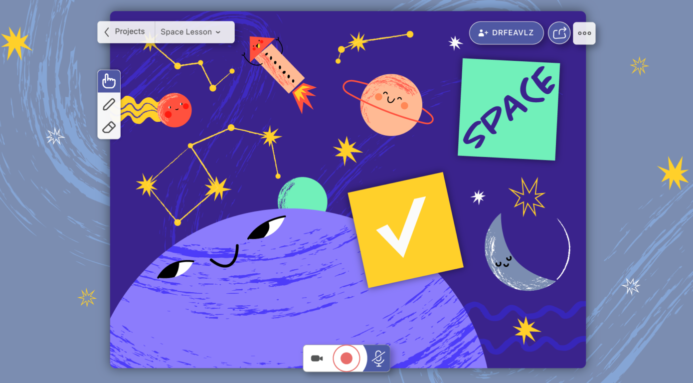
This user-submitted video is a wonderful example of how to leverage the best aspects of different tools and learning spaces in order to meet teaching, learning, and assessment objects. David Malone highlights using Explain Everything (construction of understanding) as a mediator between iTunes U (starting materials and direct instruction) and Evernote (repository and assessment).


Comments

12/05/2012 9:49am

Question about Evernote: Do each student have an Evernote account that is shared with the teacher? Or is this going to a teacher Evernote account?

Reply
David
12/05/2012 4:14pm

Short Answer: It's a teacher account in which students directly input file. No students have Evernote accounts at my school, yet.

Long Answer: In my instance, I created a premium account for the whole school to share. Teachers share the same log in and use the web interface so they aren't downloading tons of files to their local devices. Obviously, there are pros and cons for this set up. This wouldn't work in every type of deployment but I'm at a fairly small school and it hasn't been an issue yet. I then created notebooks for each individual student and organized them by homeroom teacher. This seemed to be the best workflow for us because the devices are shared between 1st - 3rd. If each student had accounts, the Evernote log in information for each student would have to be changed for every individual student when it came time to export. In a 1:1 scenario, you could probably get away with each student having their own free account and sharing that with the teacher, as long as they didn't upload more than the free account's upload limitations. One reason I would opt for linking to a premium teacher account is then students would not have the ability to dictate which files they shared and couldn't sever that relationship/link on their own. Would hate to lose student assessments because of something a student did, either by accident or purpose.

I hope that answer helped and wasn't too longwinded. Leave a comment if you want to know more or reach out to me via Twitter: @dwmalone

Reply
12/05/2012 10:02am

Hi - I am pretty sure that all of the work was organized in a teacher Evernote account. I'll ask the person who made the video to reply as well since he will know the real answer!

Reply
Kelly
01/28/2013 12:45pm

Question: How do you gain permission for copyrighted books to be put into iTunes U? I love this idea, but having trouble with how to build the iTunes U piece.

Reply
02/07/2013 12:21am

Apologies for my previous reply not appearing. I submitted it a few weeks ago, but guess something went wrong somewhere.

Access to the PDFs I show in my video are part of the reading program my school purchased. I downloaded some 850 leveled books for K-5 students and they all reside with an iTunes U course, Dropbox folder, and WebDAV server. All three options are not accessible to anyone outside of my school. The iTunes U course accepts requests to join, but I only authorize persons at my school. Similarly, I enter the Dropbox account information and password directly into iPads so access is limited to my campus. Our WebDAV server is also password protected.

As for the iTunes U component, I would agree it is the most technologically complicated piece of the 'program'. I would advise you place your materials within a free Dropbox account instead of an iTunes U course. I explored the iTunes U option because I was looking for ways to use the program within my entire district and it was best suited for issues of scalability and reading instruction.

If you're just looking to get started, you may want to experiment with the camera on the iPad to get text into Explain Everything. That's how the project started and a great way to demonstrate the simplicity of the idea to other educators. Take a picture of any page of a book and insert it onto an Explain Everything slide. Create a new slide for each page and repeat the process until you have all the pages you need. Here's a video my first-grade daughter and I made as a test months ago. All we did was take a picture of each page of one of her favorite book.

http://youtu.be/n2dvMpC5AN4

FYI - If you use photos of pages instead of PDFs, your exported files will be larger.

If you have any more questions, please feel free to contact me:

Twitter: @dwmalone
Email: davidwmalone [at] gmail.com

Reply
02/16/2013 1:43pm

Hi David,

I am a third grade teacher and want to use reading, math, and writing to the fullest extent with the iPad. The fluency examples you have given are great and I look forward to using Explain Everything and Dropbox to save student fluency work. I was wondering if you had any other examples on using EE and/or are there other apps that are just as effective in improving student academic growth in the classroom. Sorry if it's a broad question, but any other examples or iPad suggestions would be greatly appreciated. Thank you for your detailed explanation in integrating EE with Dropbox.

Reply

Your comment will be posted after it is approved.


Leave a Reply