The leading online whiteboard for teaching
Create interactive lessons, record video tutorials and collaborate real-time with your students.
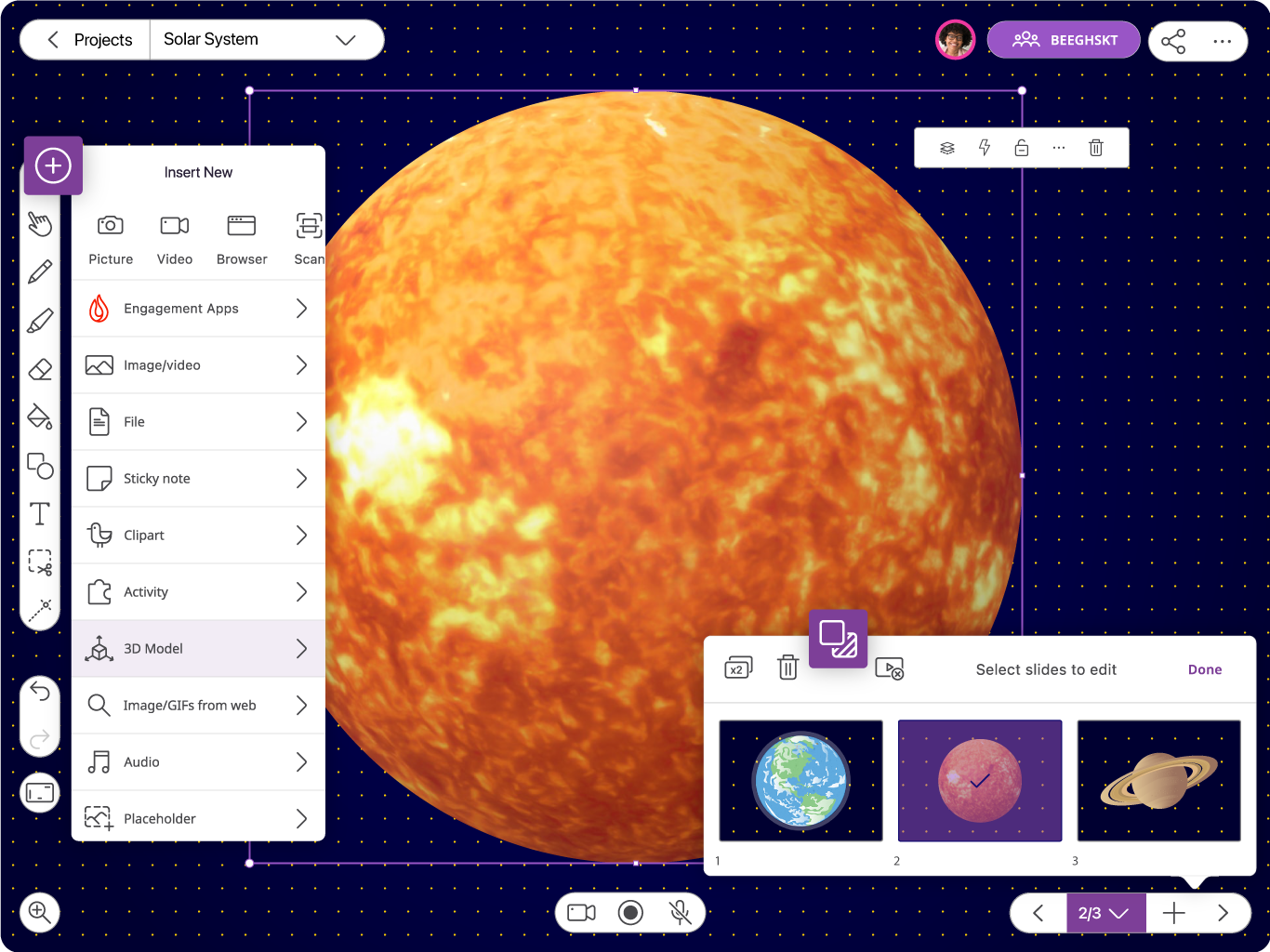




Explain Everything, the leading digital whiteboard platform
for delivering engaging lessons, is now joining Promethean.
Learn more ➜
The leading online whiteboard for teaching
Create interactive lessons, record video tutorials and collaborate real-time with your students.
They trusted us




Utilize the full power of a digital whiteboard
Explain Everything is the leading online whiteboard for teaching.
Loved by 24+ M teachers and students across the globe. Check for yourself.
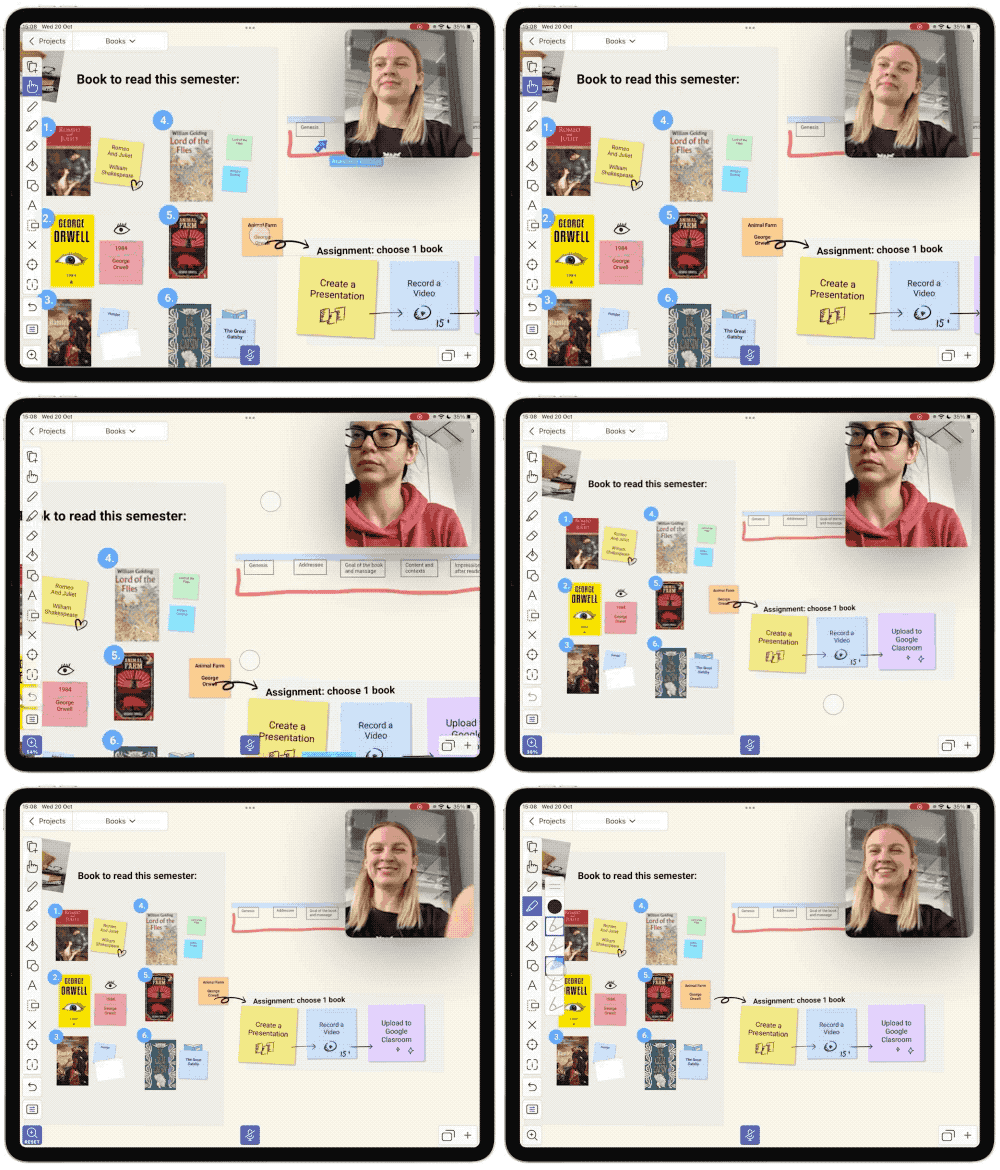
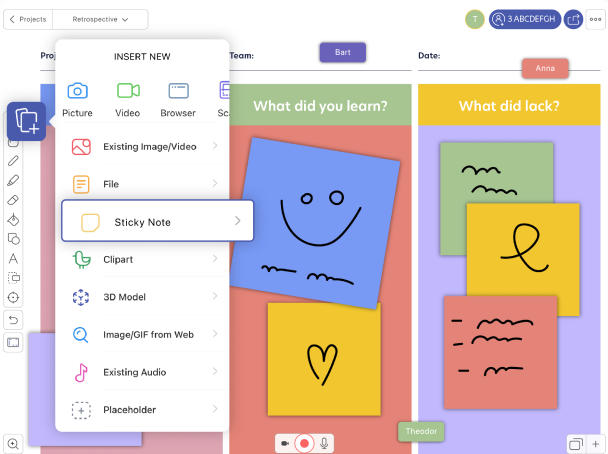
Create interactive presentations
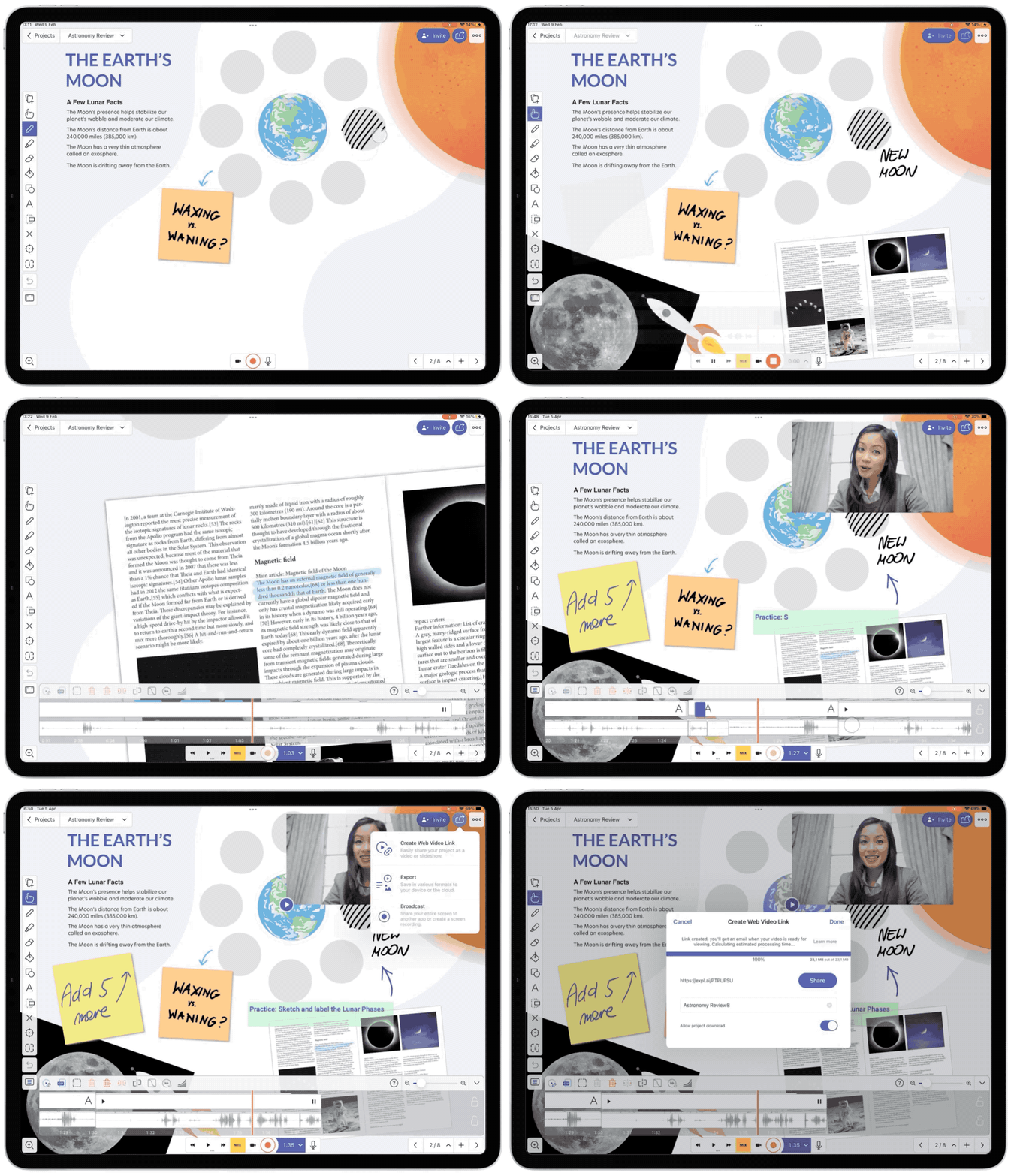
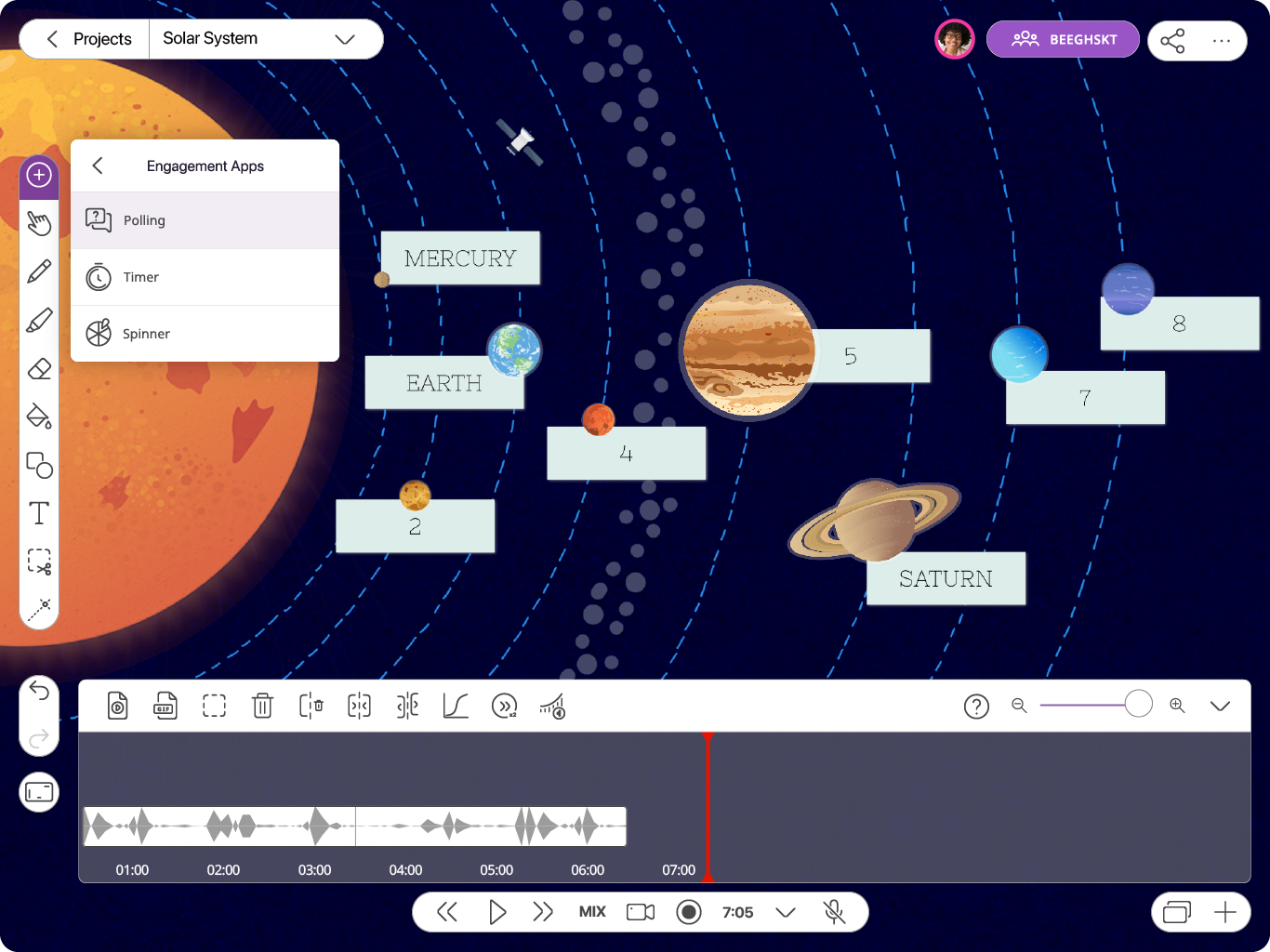
Record whiteboard videos & tutorials
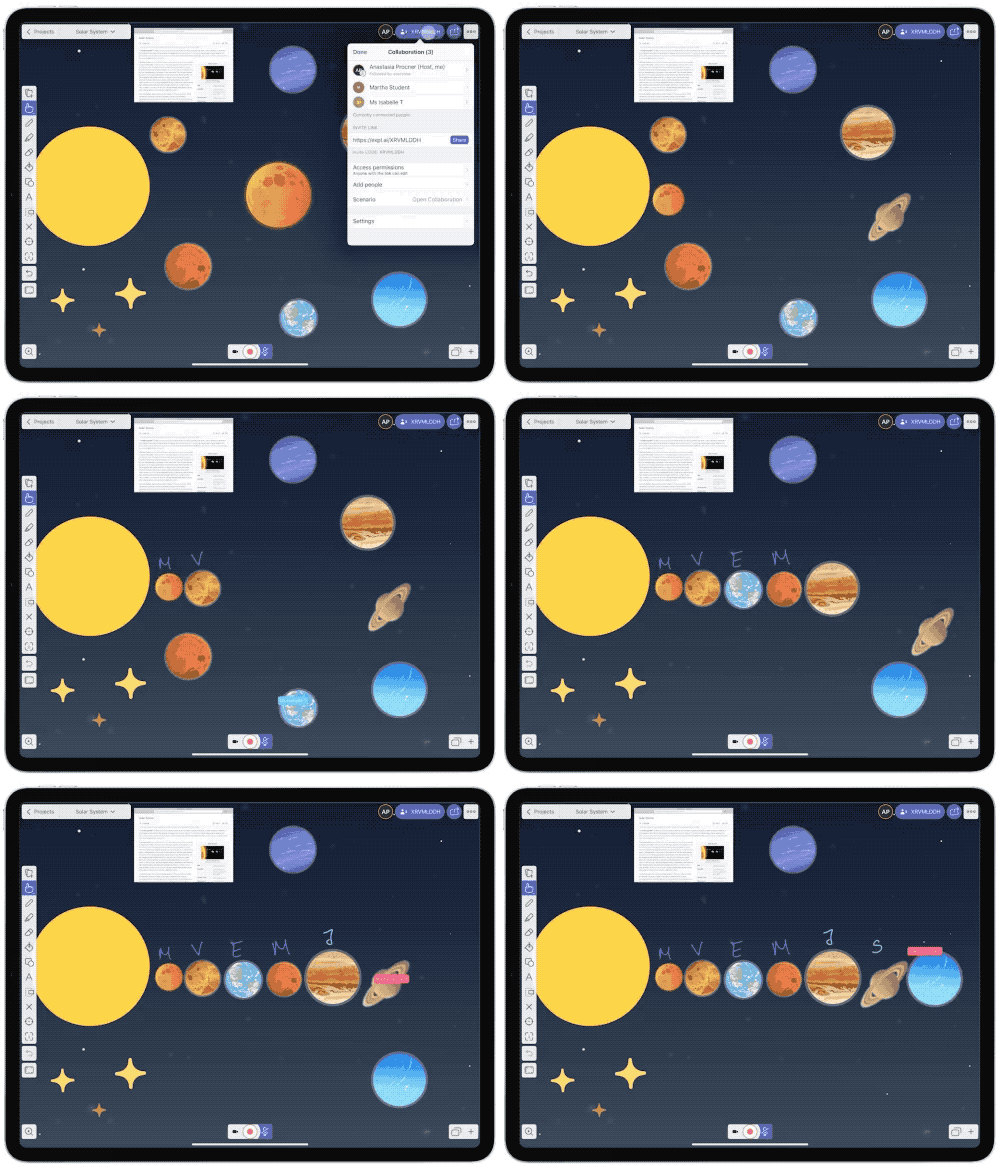
Collaborative projects with students
Teach the way you want
We are on a mission to help educators provide engaging and effective learning experiences in any teaching scenario.
 No credit card requiredGDPR & CCPA-compliantDedicated demo trainings
Explain Everything explained in 4 minutes 🎉
Enhance your students’ learning by making your
teaching materials interactive and fun. It’s that easy.
Supercharge your teaching both
in the classroom and any hybrid model
Create presentations in minutes
Save a ton of time on lesson prep. Upload your already existing resources like PowerPoint presentations, PDFs, documents and files. Work on them paperlessly using an interactive whiteboard.
Whiteboard videos that stand out
Your presentation is ready? Perfect. Now turn it into a tutorial or instructional video. Just tap the Record button and start talking. Magic. Share it with students in seconds.
Online whiteboard for collaboration
Plan your lesson or assignment then collaborate in real-time with your students. Easily stay on the same page using collaborative sessions.
Explain Everything is your
all-in-one tool for engaging lessons
Explain any concept 1:1 or during group sessions. Use voice chat and collaborative editing to stay on the same page.

Create activities that enhance students' learning. Provide personalized materials to help students understand concepts better.
Adapt your teaching workflow to your preferences. Use your favorite integrations and share teaching materials with anyone, instantly.
Over 24 million app downloads
Start free – upgrade anytime. No credit card required.
Joining as institution? Contact sales.